AKAR Scheme Portal Common Problems 2026 – All Solutions in One Post
The Government of Punjab has launched multiple farmer support initiatives in 2026, including the Apna Khet Apna Rozgar (AKAR) Scheme. This program is designed to empower farmers, unemployed youth, and landowners by providing financial support, machinery, and easy access to agricultural resources.
However, many applicants are facing issues while applying or tracking their applications online. In this article, we will explain everything about the AKAR Scheme 2026, including its purpose, last date, common portal problems, and their complete solutions.
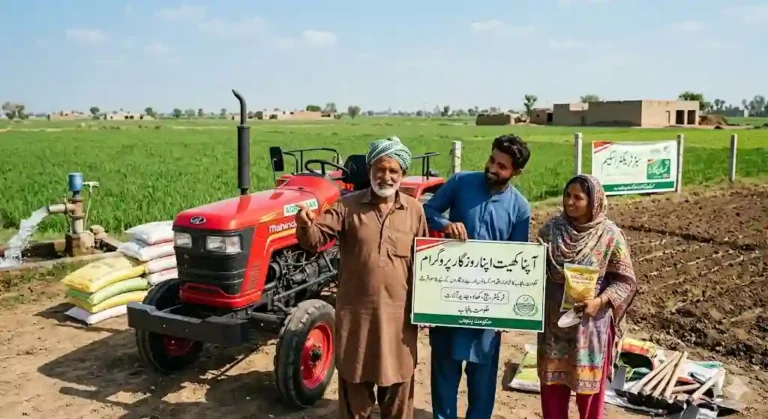
What is Apna Khet Apna Rozgar (AKAR) Scheme 2026?
The AKAR Scheme 2026 is a government initiative in Punjab aimed at promoting agriculture and reducing unemployment. Under this scheme:
- Farmers can get interest-free or low-interest loans
- Subsidies on agricultural machinery
- Support for starting farming businesses
- Financial assistance for land cultivation
The main goal is to increase agricultural productivity and provide job opportunities in rural areas.
What is AKAR Scheme in Punjab?
The AKAR (Apna Khet Apna Rozgar) Program is specifically introduced for:
- Small farmers
- Landless individuals
- Youth interested in agriculture
- Rural entrepreneurs
Through this scheme, the Punjab Government helps individuals start or expand farming activities with financial and technical support.
Apna Khet Apna Rozgar Scheme 2026 – Last Date
As of now, the official last date for AKAR Scheme 2026 applications has not been permanently fixed or may vary in phases.
👉 However:
- Applications are usually accepted in limited batches
- Candidates are advised to apply as soon as possible
- Late applications may not be entertained once the quota is full
How to Apply Online for AKAR Scheme 2026
Follow these simple steps:
- Visit the official AKAR portal
- Register using your CNIC and mobile number
- Fill out the application form
- Upload required documents (land proof, CNIC, etc.)
- Submit the application
- Track your status online
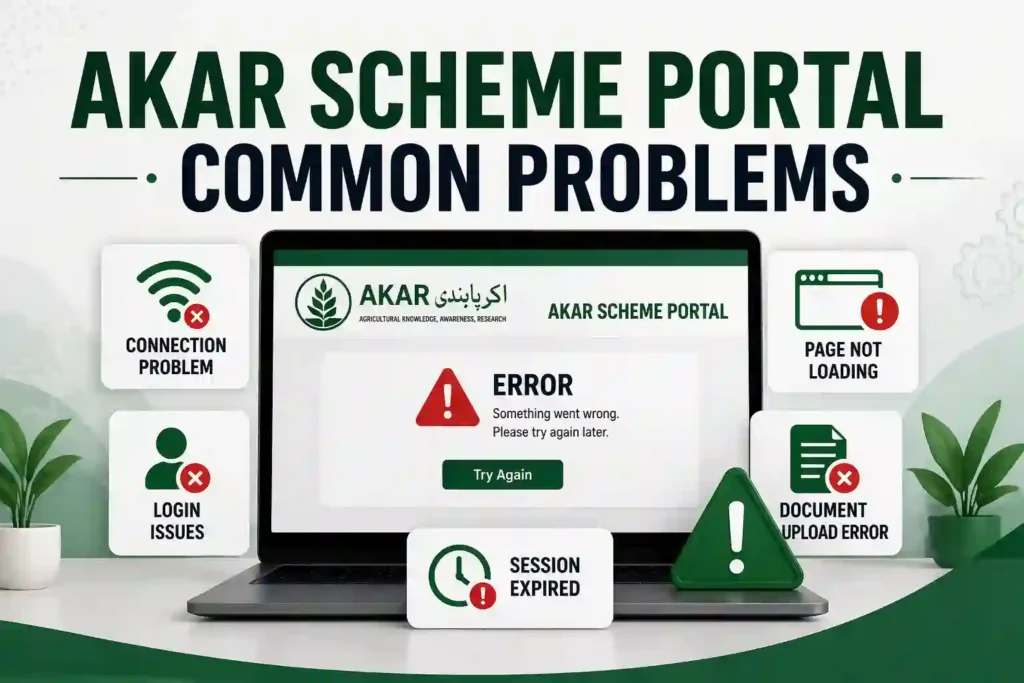
AKAR Scheme Portal Common Problems 2026
Many users face technical and system-related issues while applying. Below are the most common problems:
1. AKAR Application Tracking Error
- Status not showing
- “Record Not Found” error
2. Portal Not Opening
- Website crash or slow loading
- Server timeout issues
3. CNIC Verification Failed
- Incorrect data entry
- NADRA verification delay
4. OTP Not Received
- Delay in SMS service
- Wrong mobile number
5. Application Submission Failed
- Form not submitting
- Page refresh error
All Solutions to AKAR Portal Problems
Here are practical solutions to fix these issues:
Fix Tracking Error
- Recheck CNIC number
- Wait 24–48 hours after submission
- Clear browser cache
Fix Website Not Opening
- Try during non-peak hours
- Use a different browser (Chrome recommended)
- Check internet connection
Solve CNIC Verification Issue
- Ensure CNIC is valid and active
- Enter details exactly as per CNIC
- Wait if NADRA server is busy
Fix OTP Issue
- Use a registered SIM on your CNIC
- Wait a few minutes before retry
- Avoid multiple requests
Fix Submission Error
- Fill all required fields properly
- Upload documents in correct format
- Avoid refreshing during submission
Important Tips for Applicants
- Always use correct personal information
- Apply early to avoid server overload
- Keep documents ready before applying
- Save your application ID for tracking
Apna Khet Apna Rozgar Conclusion
The AKAR Scheme 2026 (Apna Khet Apna Rozgar) is a valuable opportunity for farmers and unemployed individuals in Punjab. While the online portal may have some technical issues, most problems can be easily resolved by following the solutions provided above.
If you are planning to apply, do not delay. Stay updated, apply correctly, and take full advantage of this government initiative.