Apna Khet Apna Rozgar New Account Create Nahi Ho Raha? Fix Guide
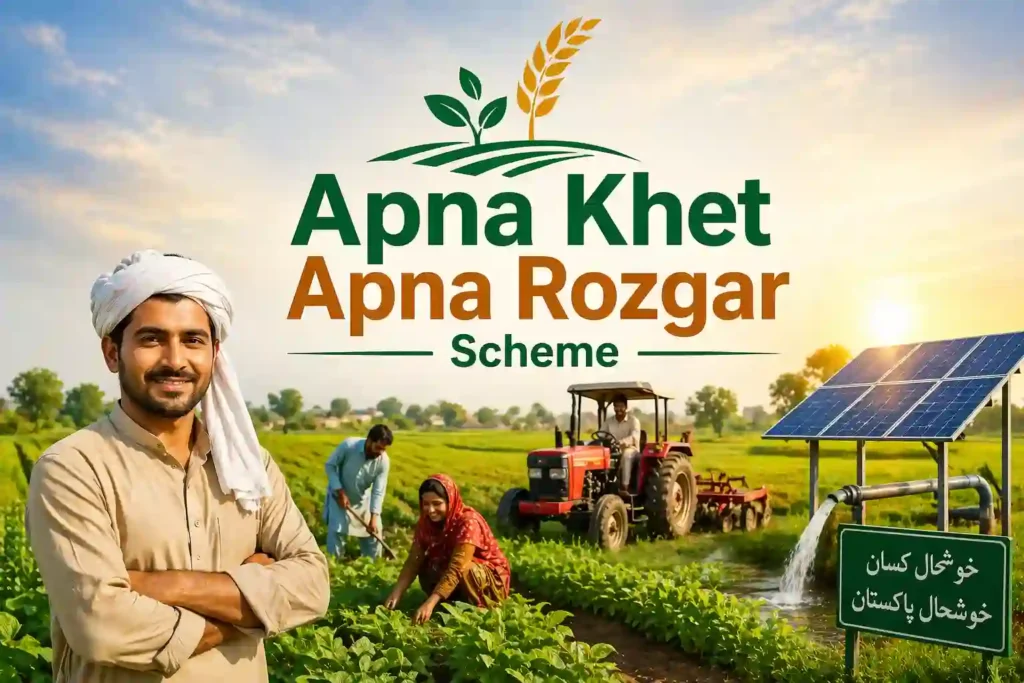
The Apna Khet Apna Rozgar Scheme 2026 is a major initiative by the Punjab Government to support farmers with easy financing for tractors and agricultural development. Thousands of applicants are trying to apply online, but many users are facing one common issue: new account creation is not working.
If you are also struggling with the Apna Khet Apna Rozgar Scheme apply online 2026 login or registration problem, this complete guide will help you fix it step by step.
Why Apna Khet Apna Rozgar Account Is Not Creating?
There can be multiple reasons why your account is not being created on the portal. Below are the most common issues:
- Website server overload due to high traffic
- Incorrect CNIC or mobile number format
- Weak internet connection
- Portal technical glitches or maintenance
- Browser compatibility issues
- OTP not receiving on your mobile number
Fix 1: Check Correct CNIC & Mobile Number Format
Make sure you are entering your details correctly:
- CNIC should be without dashes (e.g., 3520123456789)
- Mobile number must be registered on your CNIC
- Avoid using someone else’s phone number
Incorrect details can block your Apna Khet Apna Rozgar Scheme registration instantly.
Fix 2: Try at Off-Peak Hours
Due to heavy traffic, the system may stop responding.
👉 Best time to apply:
- Early morning (6 AM – 9 AM)
- Late night (11 PM – 2 AM)
This improves your chances of successful Apna Khet Apna Rozgar Scheme apply online 2026.
Fix 3: Clear Browser Cache or Change Browser
Sometimes browser issues stop the form from submitting.
Try this:
- Clear cache & cookies
- Use Google Chrome or Mozilla Firefox
- Try opening the portal in incognito mode
Fix 4: OTP Not Receiving? Here’s Solution
If you are not receiving OTP:
- Check SIM is active and has signals
- Restart your phone
- Wait 2–3 minutes before retry
- Avoid multiple OTP requests quickly
If still not working, try a different network SIM (registered on your CNIC).
Fix 5: Portal Error or Server Down
Sometimes the issue is not from your side.
- The official website may be under maintenance
- Server can crash due to heavy load
👉 In this case, wait and try again later.
How to Apply Online for Apna Khet Apna Rozgar Scheme 2026
Follow these simple steps:
- Open the official Punjab Government portal
- Click on Apply Online / Registration
- Create a new account
- Enter CNIC, mobile number, and personal details
- Verify OTP
- Complete application form
- Submit and save tracking ID
Apna Khet Apna Rozgar Scheme 2026 Status Check
After applying, you can check your application status:
- Login to your account
- Enter CNIC or tracking ID
- Click on Status Check
This helps you track approval progress easily.
Apna Khet Apna Rozgar Scheme 2026 Last Date
The government usually announces a deadline for applications. However:
- Apply as early as possible
- Late applications may be rejected
Keep checking official updates for the exact Apna Khet Apna Rozgar Scheme apply online 2026 last date.
Important Tips for Successful Registration
- Use your own CNIC and registered SIM
- Avoid submitting multiple applications
- Double-check all details before submission
- Keep screenshots of confirmation
CM Punjab Rozgar Scheme Final Words
The Apna Khet Apna Rozgar Scheme 2026 is a great opportunity for farmers in Punjab, but technical issues like account creation errors can be frustrating. By following the fixes above, you can easily solve the problem and complete your registration.
If the issue still continues, it is recommended to wait for official updates or contact the support team.