Apna Khet Apna Rozgar Scheme Dashboard Login Problem Today – Latest Fix
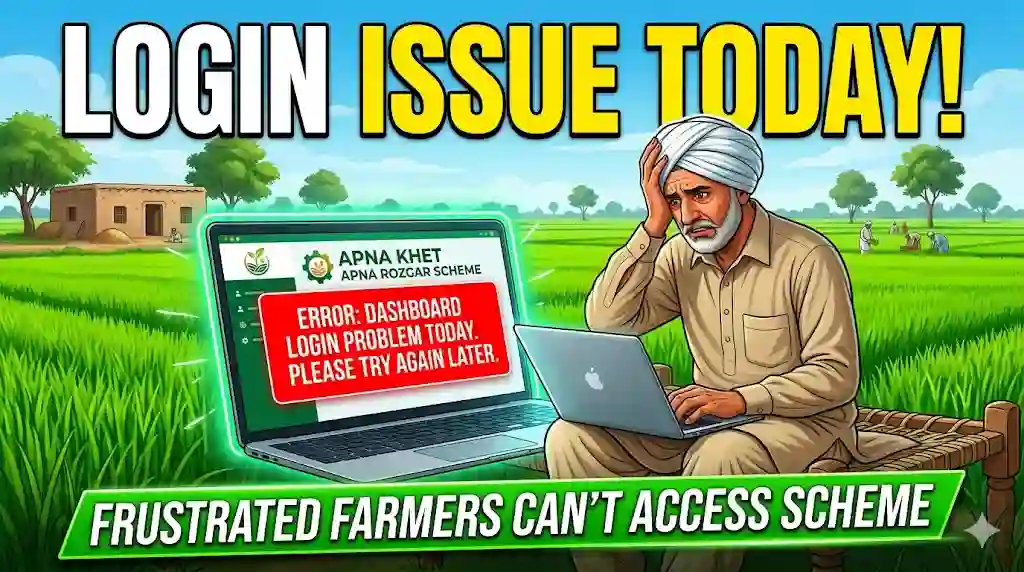
The Apna Khet Apna Rozgar Scheme Program by the Government of Punjab is a major step toward supporting farmers through subsidies, tractor schemes, and financial assistance. However, in 2026, many users are facing dashboard login problems on the official Agriculture Department Punjab Portal.
If you are unable to log in, your CNIC is not working, or the website is not loading, this detailed guide will help you understand the real causes and latest working solutions.
What is Apna Khet Apna Rozgar Scheme Dashboard?
The dashboard is an online platform managed by the Punjab Agriculture Department. It allows farmers to:
- Apply for government schemes
- Track application status
- Check Kisan Card details
- Apply for tractor subsidy programs
- Manage personal farming data
This system is essential for all farmers applying under Punjab government schemes.
Login Problem Today – What Users Are Facing
Currently, users across Punjab are reporting:
- Website not opening or very slow
- CNIC login errors
- Incorrect password issue
- Dashboard showing blank page
- Server timeout or maintenance error
These problems are mostly technical and not related to your eligibility.
Main Reasons Behind Login Issues (2026)
Understanding the cause helps solve the problem faster:
1. Server Overload
Due to heavy traffic from farmers applying for schemes like the Green Tractor Scheme, the system becomes slow or crashes.
2. Website Maintenance
The government often updates the portal, which temporarily disables login.
3. Incorrect CNIC or Password
Even a small typing mistake can block access.
4. Browser Issues
Old cache or unsupported browsers can prevent login.
5. Technical Bugs
Sometimes errors occur due to backend system problems.
Latest Working Fixes (Step-by-Step Guide)
Follow these tested solutions to fix the login problem:
Use Official Website Only
Always access the correct portal:
👉 www.agripunjab.gov.pk
Avoid fake or unofficial links.
Clear Cache & Cookies
Old data may block login.
How to fix:
- Open browser settings
- Clear browsing data
- Restart browser
Try Another Browser or Device
If login fails on one device:
- Switch to another browser (Chrome, Edge, Firefox)
- Try mobile instead of desktop
Reset Your Password
If credentials are not working:
- Click “Forgot Password”
- Enter your CNIC
- Create a new password
Check Internet Stability
Use a stable internet connection to avoid timeout errors.
Login During Off-Peak Hours
Best times:
- Early morning
- Late night
This avoids server overload.
Wait for Server Recovery
If the issue is from the system side, wait a few hours and try again.
How to Check Kisan Card Scheme Status by CNIC
You can easily check your Kisan Card status:
Steps:
- Visit the official portal
- Enter your CNIC number
- Click “Check Status”
You will see:
- Application status
- Approval details
- Payment updates
CM Punjab Green Tractor Scheme 2026
The CM Punjab Tractor Scheme 2026 is one of the most popular initiatives.
Key Benefits:
- Subsidy on new tractors
- Easy installment plans
- Online transparent system
- Priority for small farmers
Farmers can apply through the same dashboard once login is successful.
Helpline & Complaint System
If your problem continues, contact official support:
Helpline:
0800-17000 (Agriculture Punjab)
Complaint Options:
- Call helpline
- Visit local agriculture office
- Submit complaint online
You can also file complaints directly through Punjab government portals.
Punjab Gov PK Login Issues – Extra Tips
To avoid future problems:
- Always double-check CNIC
- Do not share login details
- Avoid multiple login attempts
- Use updated browsers
- Keep screenshots of applications
Why Login Problems Are Increasing in 2026?
The demand for government schemes is increasing rapidly. Because of this:
- Thousands of farmers are applying daily
- Server capacity is limited
- System upgrades are ongoing
The Punjab Information Technology Board is working to improve system performance and reduce errors.
Apna Khet Apna Rozgar Scheme Login Problem Final Conclusion
The Apna Khet Apna Rozgar Scheme dashboard login problem today is a common issue caused mainly by server load, maintenance, or minor technical errors. The good news is that most problems can be solved easily by following simple steps like clearing cache, using the correct website, or resetting your password.
Farmers should remain patient and rely only on official sources. The Punjab Government continues to upgrade the system to make it faster and more reliable.