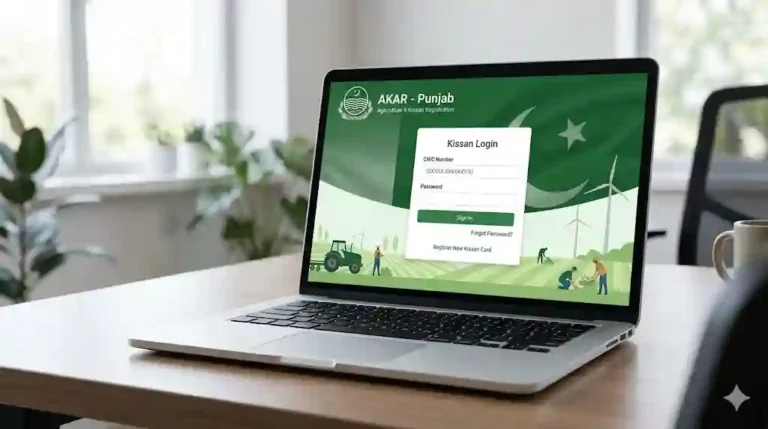
Green Property Certificate Download Online via www.pulse.gop.pk Govt Official Portal
The Government of Punjab has taken a major step toward digital transformation by introducing the Green Property Certificate through the Punjab Land Records Authority (PLRA). This initiative is part of the PULSE (Punjab Urban Land Systems Enhancement) project, which aims to digitize land records, improve transparency, and reduce fraud in property transactions across Punjab, Pakistan.
Today, property owners can easily check, apply, and download their Green Property Certificate online using the official portal: pulse.gop.pk. In this detailed guide, you will learn everything about the Green Property Certificate, including its benefits, eligibility, application process, and how to download it step-by-step.
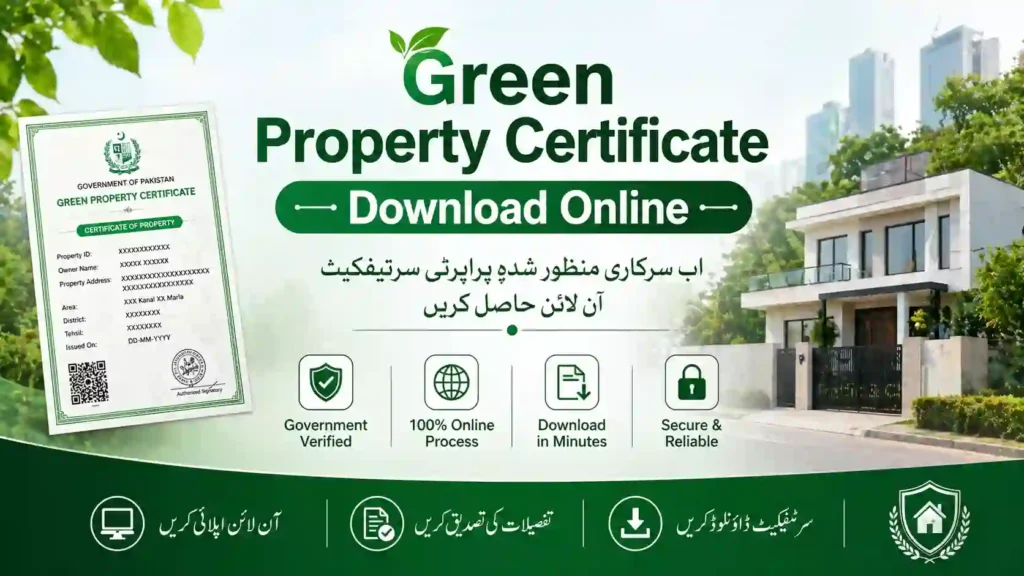
What is a Green Property Certificate?
The Green Property Certificate is a digitally verified land ownership document issued by the Government of Punjab. It confirms that your property details are secure, updated, and officially recorded in the digital land database.
This certificate is part of the modernization efforts by the Government of Punjab to eliminate manual paperwork and introduce a transparent property system.
Key Features:
- Fully digital and verifiable online
- Linked with CNIC and land records
- Helps prevent property fraud and disputes
- Accessible anytime through the official portal
Why is the Green Property Certificate Important?
In Pakistan, property disputes and fake documents have always been a major issue. The Green Property Certificate solves these problems by ensuring:
- Authenticity: Verified by PLRA records
- Transparency: No hidden or fake ownership claims
- Convenience: No need to visit offices repeatedly
- Security: Digitally stored and protected data
This system also supports the broader goals of Digital Pakistan, making property management easier for citizens.
Official Portal for Green Certificate
To apply or download your certificate, you must use the official government portal:
This portal is developed under the supervision of the Punjab Urban Land Systems Enhancement Project and provides multiple land-related services online.
How to Register on pulse.gop.pk
Before applying, you need to create an account on the portal.
Step-by-Step Registration:
- Visit the official website: pulse.gop.pk
- Click on Sign Up / Register
- Enter your:
- CNIC number
- Mobile number
- Email address
- Create a secure password
- Verify your account via OTP (SMS code)
- Login to your account
Once registered, you can access all land-related services.
Green Property Certificate Online Apply
After registration, follow these steps to apply:
Application Process:
- Login to your account on pulse.gop.pk
- Select Green Property Certificate option
- Enter property details:
- District
- Tehsil
- Khewat / Khatooni number
- Verify ownership through CNIC
- Submit your application
- Wait for verification by authorities
In most cases, approval is processed quickly if your land record is already digitized.
How to Download Green Property Certificate Online
Once your application is approved, you can easily download your certificate.
Download Steps:
- Login to pulse.gop.pk
- Go to My Applications / Certificates
- Select your approved certificate
- Click on Download PDF
- Save or print your certificate
This document can be used for legal, banking, or property transfer purposes.
Land Record Punjab Online Check by CNIC
The portal also allows users to check land ownership details using CNIC.
How to Check:
- Login to the portal
- Enter your CNIC number
- View linked properties and ownership details
This feature is powered by the digital system of the Punjab Land Records Authority, ensuring accuracy and reliability.
PLRA Green Certificate – Key Benefits
The PLRA Green Certificate provides several advantages:
1. Fraud Prevention
Digitally verified records reduce chances of fake property documents.
2. Easy Access
Available online anytime without visiting land offices.
3. Time Saving
No long queues or manual paperwork.
4. Secure Data
Protected under government database systems.
5. Legal Validity
Recognized by banks and government institutions.
Rod Pulse gop pk Login & Registration
Many users search for “Rod pulse gop pk”, but the correct official platform is pulse.gop.pk.
Login Steps:
- Visit the portal
- Enter CNIC/email and password
- Access dashboard
Registration Tips:
- Use a valid mobile number
- Ensure CNIC is correct
- Keep your password secure
Eligibility for Green Property Certificate
To apply for the certificate, you must:
- Be the legal owner of the property
- Have a valid CNIC
- Property must be registered in PLRA records
- Land should be digitized in the system
Common Issues and Solutions
1. CNIC Not Found Error
- Ensure your CNIC is registered in land records
- Visit PLRA office if needed
2. Session Expired Error
- Refresh the page
- Login again
3. Property Not Showing
- Check correct district/tehsil details
- Verify land record status
Future of Digital Land Records in Punjab
The Green Property Certificate is just the beginning. The Government of Punjab is working on:
- Complete digitization of land records
- Integration with banks for property loans
- Mobile apps for land services
- Faster property transfer systems
This will make Pakistan’s property system more secure and globally competitive.
PLRA Green Certificate Final Words
The Green Property Certificate Download via www.pulse.gop.pk is a major step toward a transparent and digital property system in Punjab, Pakistan. Whether you want to verify your land, avoid fraud, or simplify ownership proof, this system provides a fast and reliable solution.
By using the official portal of the Punjab Land Records Authority, you can apply, check, and download your certificate online without any hassle.
If you haven’t registered yet, now is the best time to secure your property digitally and take advantage of this government initiative.