Apna Khet Apna Rozgar Scheme 2026 – How to Apply Online via Agripunjab Portal (Full Guide)
The Apna Khet Apna Rozgar Scheme 2026 is a major initiative launched by the Government of Punjab to support farmers, unemployed youth, and small landowners. The goal of this program is to promote self-employment through agriculture by providing financial assistance, machinery support, and easy loan facilities.
If you want to apply online, check your application status, or understand eligibility, this complete guide will help you step by step.
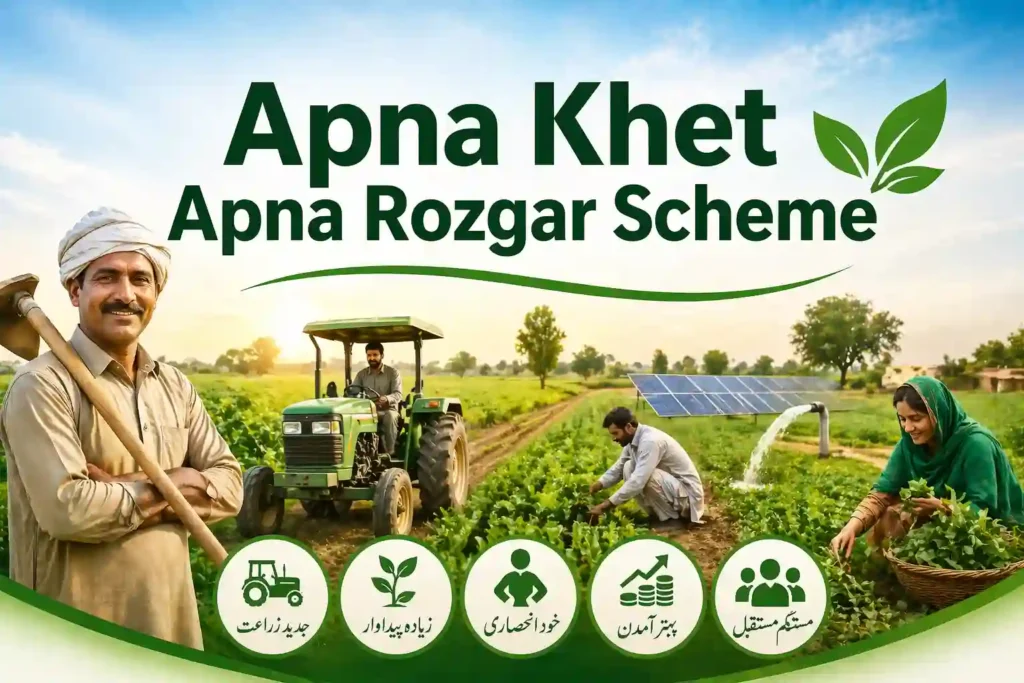
What is Apna Khet Apna Rozgar Scheme 2026?
The Apna Khet Apna Rozgar Scheme is designed to empower individuals in rural areas by giving them the opportunity to start or expand agricultural activities. Under this scheme, applicants can get:
- Interest-free or low-interest loans
- Agricultural machinery support (like tractors, seeders, etc.)
- Financial help for farming inputs
- Easy installment plans
This initiative mainly targets unemployed individuals and small farmers who want to earn through agriculture.
Key Features of the Scheme
Here are the main highlights of the 2026 program:
- Easy online application through Agripunjab Portal
- Transparent selection process
- Subsidized agricultural equipment
- Loan repayment in easy installments
- Focus on youth empowerment and rural development
This scheme is especially helpful for those who want to start farming but lack financial resources.
Eligibility Criteria
Before applying, make sure you meet the following requirements:
- Must be a resident of Punjab
- Valid CNIC issued by NADRA
- Age limit: usually between 18 to 55 years
- Basic knowledge of farming or agriculture
- Preference given to unemployed youth and small landowners
If you meet these criteria, you can proceed with the online registration.
Required Documents
To complete your application smoothly, keep these documents ready:
- CNIC copy
- Passport-size photographs
- Land ownership documents (if applicable)
- Mobile number registered on CNIC
- Bank account details
Uploading correct documents is very important to avoid rejection.
How to Apply Online via Agripunjab Portal
Follow these simple steps to apply for the Apna Khet Apna Rozgar Scheme 2026:
Step 1: Visit the Official Portal
Go to the Agripunjab Portal website.
Step 2: Create an Account
- Sign up using your CNIC and mobile number
- Set a password for login
Step 3: Login to Your Account
Use your CNIC and password to access your dashboard.
Step 4: Fill the Application Form
- Enter personal details
- Provide land and farming information
- Select required support (loan or machinery)
Step 5: Upload Documents
Attach all required documents carefully.
Step 6: Submit Application
Review your details and submit the form.
After submission, you will receive a confirmation message.
Apna Khet Apna Rozgar 2026 Login Guide
If you already registered, you can log in anytime:
- Visit the Agripunjab Portal
- Enter CNIC and password
- Access your dashboard
From here, you can track your application or update details.
How to Check Application Status
To check your application status:
- Open the Agripunjab Portal
- Login to your account
- Go to “Application Status” section
- Enter required details
You will see whether your application is approved, pending, or rejected.
Last Date for Registration 2026
The official last date for Apna Khet Apna Rozgar Scheme 2026 may vary depending on the announcement by the Government of Punjab.
👉 It is strongly recommended to apply as early as possible to avoid missing the deadline.
Benefits of Apna Rojgar Scheme
This scheme offers multiple benefits:
- Financial independence for youth
- Growth in agricultural production
- Reduction in unemployment
- Support for small farmers
- Promotion of modern farming techniques
It plays a key role in strengthening Pakistan’s agriculture sector.
Common Problems & Solutions
Many applicants face issues during registration. Here are some common problems:
1. CNIC Already Exists Error
👉 Try logging in instead of registering again.
2. OTP Not Received
👉 Ensure your mobile number is registered with NADRA.
3. Website Not Loading
👉 Try again during non-peak hours.
4. Application Rejected
👉 Check documents and reapply with correct information.
Apna Khet Scheme Status Check Final Words
The Apna Khet Apna Rozgar Scheme 2026 is a golden opportunity for individuals who want to build a stable income through agriculture. With easy online registration via the Agripunjab Portal, the process has become simple and accessible for everyone.
If you meet the eligibility criteria, don’t delay—apply today and take a step toward financial independence and a better future.