How to Solve AKAR Session Expired Error 2026 (Quick Solution Guide)
The AKAR Session Expired Error 2026 is a common issue many users face when trying to log in or continue their session on the AKAR Punjab portal. This error usually appears as a message like “Your session has expired, please log in again to continue”. It can be frustrating, especially when you are filling out a form or submitting important data.
In this complete guide, you will understand what this error means, why it happens, and how to fix it step by step using simple English.
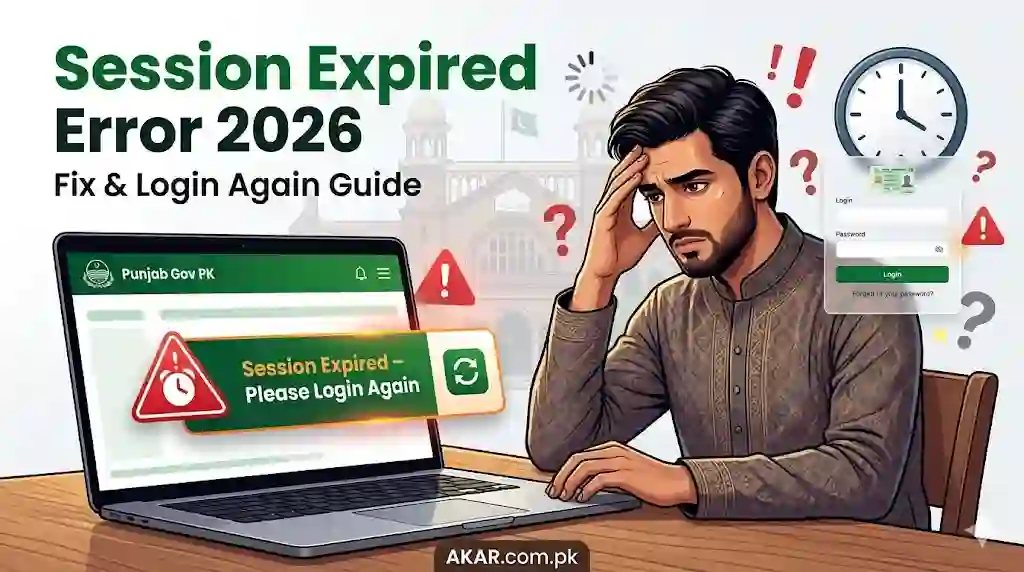
What Does “Session Expired” Mean?
A session is a temporary connection between your browser and a website. When you log in, the website creates a session to remember you.
If the system says “session expired”, it means:
- Your login time has ended
- The website no longer recognizes your activity
- You must log in again to continue
This is a security feature used by platforms like Google Chrome, Facebook, Gmail, and government portals like AKAR.
Why AKAR Session Expired Error Happens in 2026
There are several reasons why this error appears:
1. Inactive Session Timeout
If you stay inactive for a few minutes, the system logs you out automatically.
2. Poor Internet Connection
Slow or unstable internet can break your session.
3. Browser Cache Issues
Old or corrupted cache files in Google Chrome can cause login problems.
4. Multiple Tabs Open
Opening the same AKAR portal in multiple tabs may confuse the session.
5. Cookies Disabled
Websites need cookies to keep sessions active. If disabled, sessions expire quickly.
6. Server-Side Issues
Sometimes the AKAR server itself may have downtime or bugs.
Step-by-Step Fix: AKAR Session Expired Error
Follow these easy solutions to fix the problem:
1. Refresh the Page
Press F5 or click refresh.
Sometimes a simple reload fixes the issue instantly.
2. Log In Again
Go back to the login page and sign in again.
Make sure:
- Correct username/password
- No typing mistakes
3. Clear Browser Cache and Cookies
This is one of the most effective fixes.
Steps in Chrome:
- Open Google Chrome
- Press Ctrl + Shift + Delete
- Select:
- Cookies
- Cached images
- Click Clear Data
Then restart your browser and log in again.
4. Use Incognito Mode
Open a new Incognito Window in Chrome:
- Press Ctrl + Shift + N
Login again on AKAR.
If it works, your extensions or cache were causing the issue.
5. Check Internet Connection
Make sure:
- Stable Wi-Fi or mobile data
- No frequent disconnects
Slow internet often breaks sessions.
6. Enable Cookies
Cookies must be ON for AKAR to work properly.
Steps:
- Chrome Settings → Privacy → Cookies → Enable
7. Avoid Multiple Tabs
Always use one tab only for the AKAR portal.
Close other tabs related to the same website.
8. Disable Extensions
Some browser extensions (like ad blockers) can interfere.
- Go to Chrome Extensions
- Disable all extensions
- Try login again
9. Try Another Browser or Device
If problem continues:
- Use another browser (Edge, Firefox)
- Or try on mobile
10. Wait and Try Later
If nothing works, the issue may be from AKAR servers.
Wait for some time and try again.
Special Fix for Mobile Users
If you are using Android:
- Clear Chrome app cache
- Update Chrome from Play Store
- Restart your phone
For iPhone:
- Clear Safari history
- Re-login again
Related Issues (And Quick Solutions)
Facebook Session Expired
If you see this on Facebook:
- Change password immediately
- Log out from all devices
Gmail Session Expired Recovery
For Gmail:
- Re-login
- Verify identity if needed
SharePoint Session Expired
For Microsoft SharePoint:
- Refresh page
- Re-login
- Clear cache
Pro Tips to Avoid Session Expired Error
- Do not stay inactive for too long
- Always save your data while filling forms
- Keep browser updated
- Use strong internet connection
- Avoid public/shared devices
AKAR Login Issue 2026 Conclusion
The AKAR Session Expired Error 2026 is not a serious problem. It happens mainly due to security settings, inactivity, or browser issues. By following simple steps like refreshing the page, clearing cache, enabling cookies, and checking your internet, you can fix it quickly.
If the issue continues, it is most likely a server problem, and you just need to wait.
This guide provides a complete and easy solution so even beginners can fix the issue without technical knowledge.