AKAR Confirmation Code Invalid Error 2026 – Fast Solve Guide
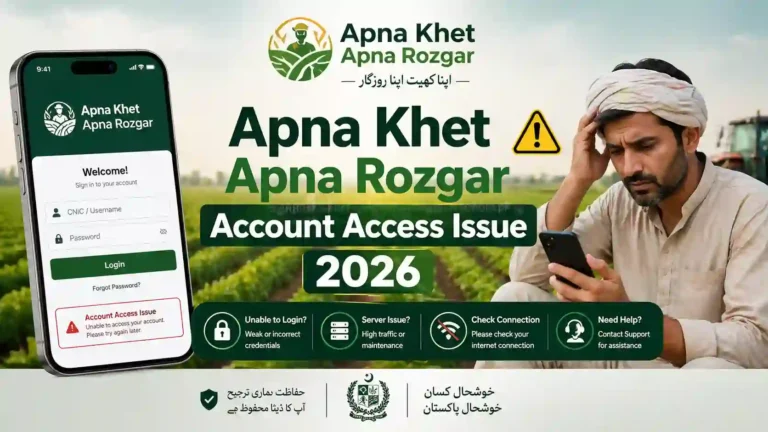
If you are trying to log in to the AKAR Punjab Gov PK Portal and facing the “Confirmation Code Invalid Error 2026”, you are not alone. Many users using Android phones (especially Samsung devices) are reporting this issue while accessing the Apna Khet Apna Rozgar platform.
This guide will help you understand the problem and show you easy and fast solutions step by step.
What is AKAR Confirmation Code Invalid Error?
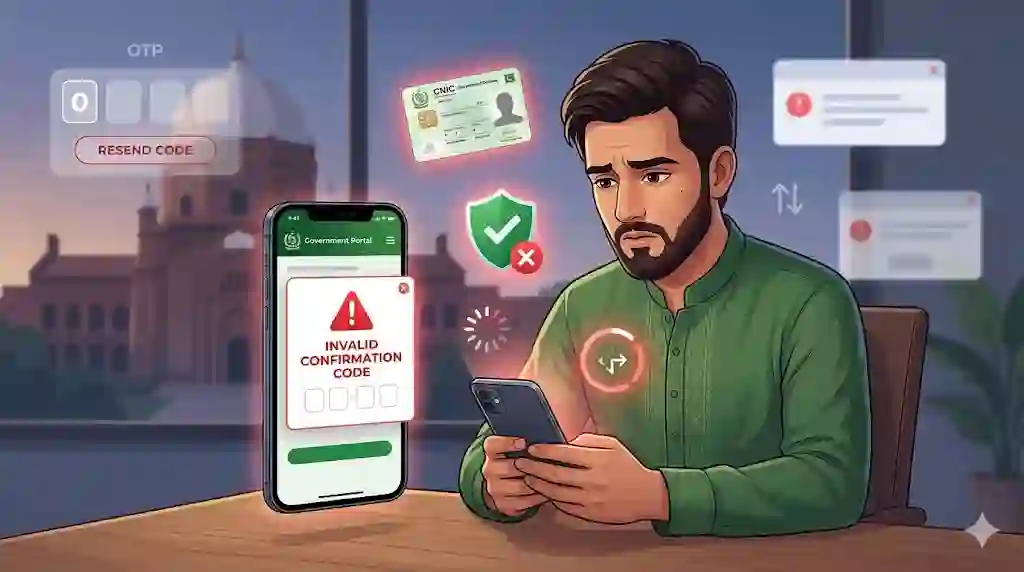
The confirmation code invalid error appears when you enter the OTP (One-Time Password) or verification code during login, but the system does not accept it.
This error usually shows messages like:
- “Invalid confirmation code”
- “Code expired or incorrect”
- “Session expired, please login again”
This happens mostly during login on AKAR Punjab Gov PK Login page.
Why This Error Happens in 2026
There are several common reasons behind this issue:
1. Expired OTP Code
The confirmation code is valid only for a short time (usually 1–2 minutes). If you enter it late, it becomes invalid.
2. Wrong Code Entry
Typing mistake is very common, especially on mobile devices like Samsung or other Android phones.
3. Slow Internet Connection
If your internet is slow, the code verification may fail.
4. Server Issue
Sometimes the Government of Punjab servers are busy or under maintenance.
5. Browser Session Expired
If you stay too long on the login page, your session may expire.
6. Cached Data Problem
Old cache or cookies in your browser can cause login errors.
Fast Solutions to Fix AKAR Error (Step-by-Step)
Follow these easy methods to fix the issue quickly:
1. Request a New Confirmation Code
Always click “Resend Code” and enter the latest OTP.
👉 Tip: Never use an old code.
2. Enter Code Quickly
After receiving the code:
- Enter it within 30–60 seconds
- Do not delay
3. Check Internet Connection
Make sure:
- Your WiFi or mobile data is stable
- Avoid slow networks
4. Clear Browser Cache (Important)
For Chrome users:
- Open Chrome
- Go to Settings
- Click Privacy & Security
- Select Clear Browsing Data
- Clear cache and cookies
This solves many login problems.
5. Use Updated Browser or App
Make sure:
- Your browser is updated
- Try another browser (Chrome, Edge)
6. Restart Your Device
Simple but effective:
- Restart your Android or Samsung phone
- Try login again
7. Avoid Multiple Login Attempts
Too many attempts can block your session temporarily.
👉 Wait 5–10 minutes before retrying.
8. Try Incognito Mode
Open Chrome in Incognito Mode and login again.
This avoids cache issues.
9. Check SMS Delay Issue
Sometimes OTP is delayed due to network issues.
👉 Wait for the latest message before entering code.
10. Try Different Device
If the problem continues:
- Try login from another mobile or laptop
Special Fix for Samsung & Android Users
If you are using Samsung or Android:
- Turn off Auto-fill OTP
- Check SMS permissions
- Disable battery saver mode (it may delay OTP)
- Update your Android system
AKAR Punjab Gov PK Login Tips
When logging into AKAR Punjab Gov PK Portal:
- Always use correct CNIC and password
- Enter OTP carefully
- Do not refresh the page during verification
About Apna Khet Apna Rozgar Program
The Apna Khet Apna Rozgar is a government scheme launched to support farmers by providing machinery and financial help.
Users need to log in through the AKAR portal to:
- Apply for schemes
- Check application status
- Update details
That is why fixing this login error is very important.
When to Contact Support?
If none of the solutions work, you should contact official support:
- Visit the official portal help section
- Use contact email or helpline
- Provide your CNIC and issue details
AKAR Error 2026 Final Words
The AKAR Confirmation Code Invalid Error 2026 is a common issue, but it can be fixed easily by following the right steps. Most of the time, the problem is caused by expired OTP, slow internet, or browser issues.
By using the solutions in this guide, you can quickly access your account on the AKAR Punjab Gov PK Portal and continue your application for the Apna Khet Apna Rozgar scheme without any problem.